

Introduction:
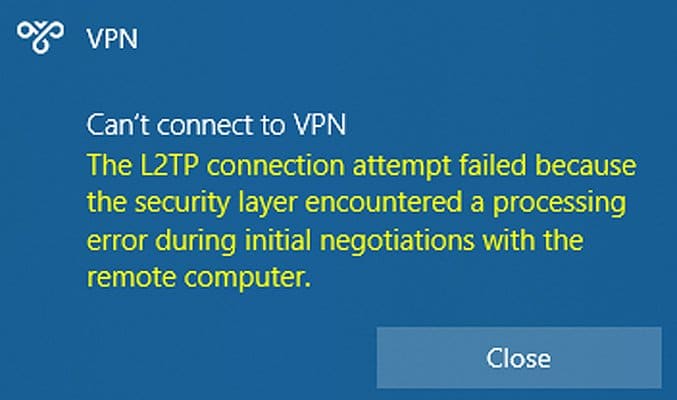
In January 2022 Microsoft pushed a Windows updates out that broke VPN connections on Windows 10 & 11. This article explains how to uninstall the update if required.
Prerequisites:
Before we begin you will need;
- Your laptop or PC the VPN is setup on.
Technical Level:
Mid
1. Open your start menu
Type Control, the first search result should be Control Panel.
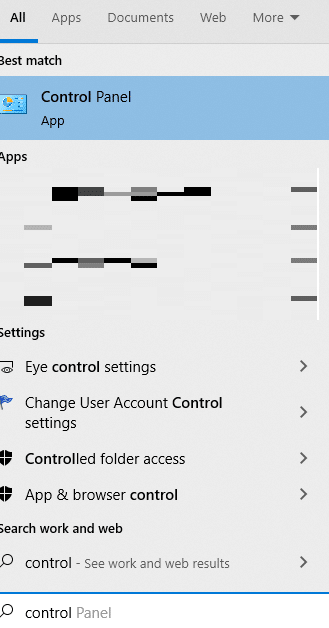
Left click on control panel, in the top right search box type ‘updates’ this will then bring back the result ‘View installed updates’ click on this.

You will now see a list of all Windows updates installed on your device. We are looking at the KB numbers and are looking for KB5009543 on Windows 10 or KB5009566 on Windows 11, find this in the list, it should be near the top of your list as it will sort by install date.
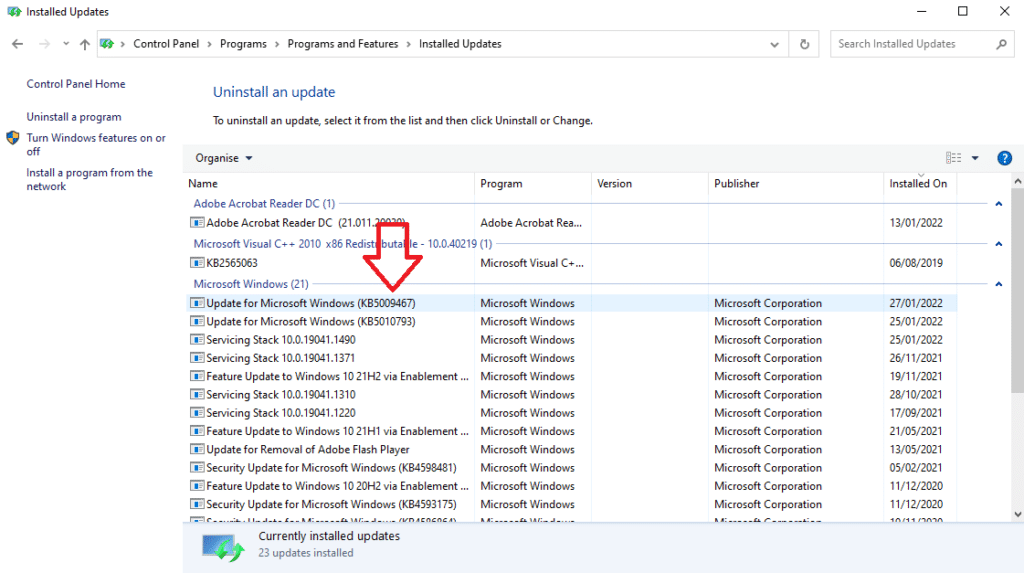
Please note this image is an example do not uninstall the KB number with the arrow pointing at it.
Click on this once so it’s highlighted then click on uninstall, this will remove the update from your device and ask you to restart.
Once your device has restarted you should be able to connect to your VPN connection.
E&OE. Copying of this document, or text & images associated with it, is strictly prohibited. Imagery taken from Microsoft software is solely used for advice and training, Microsoft , Microsoft Windows and Microsoft Office are either registered trademarks or trademarks of Microsoft Corporation in the United States and/or other countries. Pro Logic Computers (UK) Ltd or its agents accept no responsibility for the content of this document or results from actions taken by it. This document is provided as is, with no warranty or liability.